Electronics & Mobile
Computer Accessory Buying Guide: Ports, Power & Platform Compatibility
Published Oct 19, 2026 · Updated Oct 20, 2026 · GoodFinds Editorial · Research-based buying guide; no hands-on testing claimed.
Laptop and desktop accessories should be chosen around the ports and power requirements of the computer you already own. USB-C can carry data, video and power, but not every USB-C port supports all three.
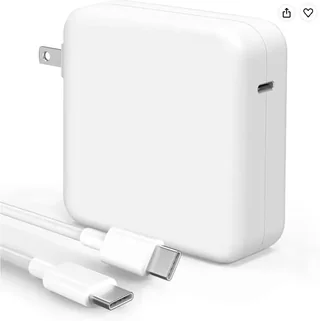
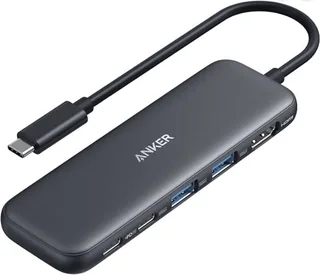
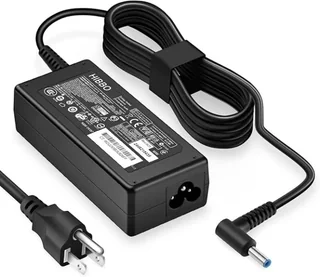
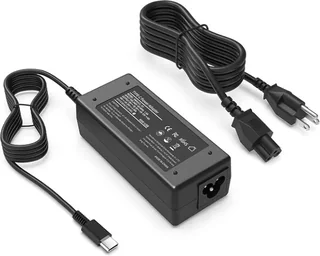
For laptop chargers, match supported voltage profiles and wattage. A higher-rated USB-C Power Delivery charger can be useful across devices when the laptop supports negotiation, but cable capability also matters. For docks and hubs, confirm monitor resolution, refresh rate, display protocol and whether the host laptop supports video over the selected port.
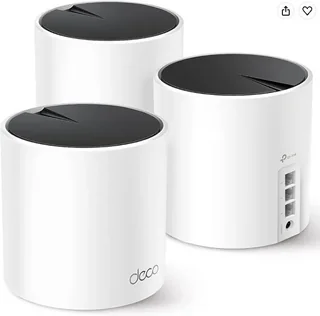
Storage and network accessories bring their own compatibility questions: interface version, operating-system support, encryption, Wi-Fi generation and driver requirements. If an accessory is intended for travel, size, cable storage and power-brick requirements become important.
Treat product titles as a starting point and verify the latest specification table before ordering.
Use this guide with current listings
Product specifications, pricing and availability change. Open the current retailer listing and manufacturer documentation before making a final decision, especially when compatibility or safety is involved.
Start with your host device
On a small screen, swipe the table sideways to read every column.
Questions to check in the current listing and manufacturer instructions| Your priority | Compare | Verify before buying |
|---|
| External display | Check video output support on the host port and hub. | Which resolution, refresh rate and display count are supported together? |
| USB-C hub | Compare data, video and power functions separately. | How much power reaches the laptop after the hub's own needs? |
| Laptop charger | Check voltage, connector and required power profile. | Does the manufacturer list the exact device as compatible? |
| Home network | Compare coverage requirements, backhaul and existing equipment. | Will the new device work with your modem and intended network setup? |
Common buying questions
Are all USB-C ports equivalent?
No. The connector shape does not specify every data, video or charging capability. Consult the host-device documentation before choosing a hub.
Do headline network speeds predict every room's speed?
No. Layout, interference, client devices and backhaul affect the result. Treat the headline as a specification to investigate rather than a guaranteed measurement in your home.